Keep the source files.
Keep the editable logo or design file with the exported preview. A flattened image may communicate the look, while the source file helps the production team inspect the artwork.
Record any font requirements and make sure you have the right to use the logo, imagery and lettering in the design.
Show where each element belongs.
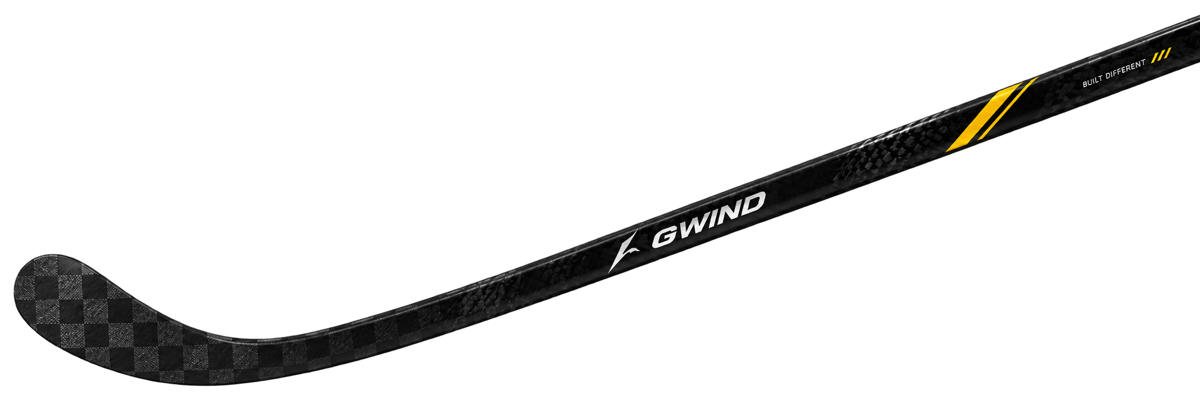
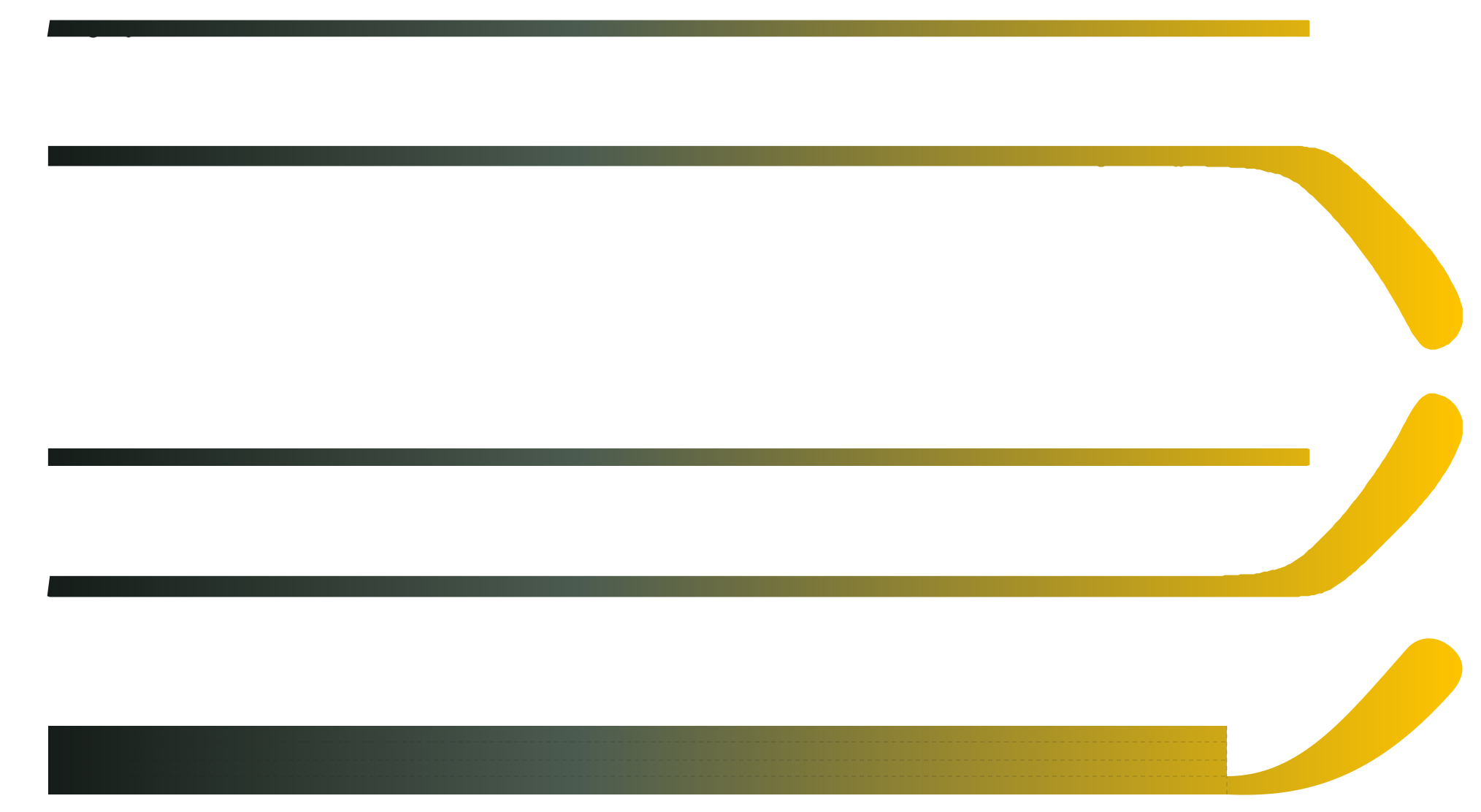
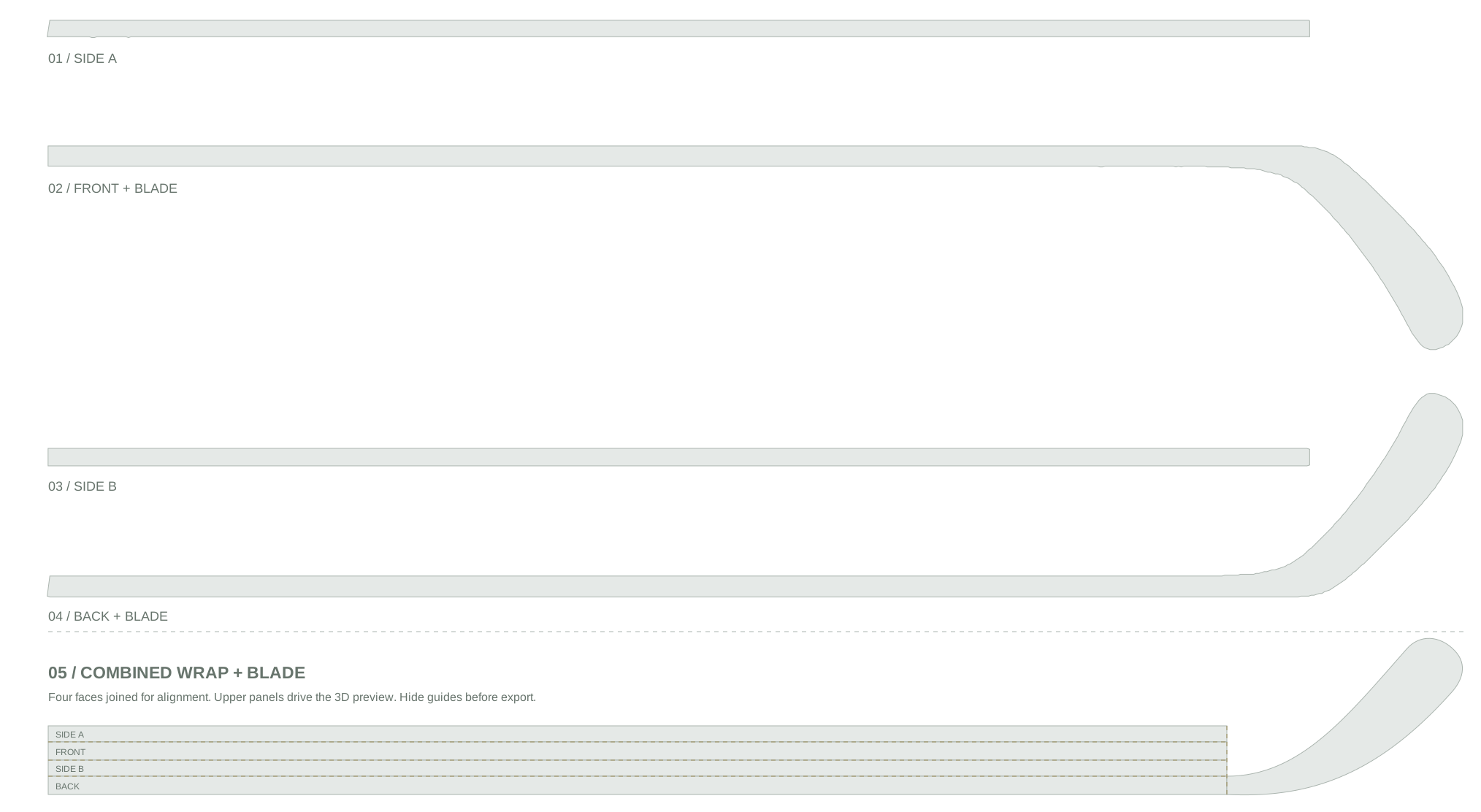
Identify which face should carry the main brand mark. Keep player names, numbers and blade details clear in the brief. Use the unfolded template to discuss placement across the shaft faces.
Follow the template canvas and panel positions when preparing a standard sheet. Confirm the factory dieline and dimensions before treating the preview sheet as a production file.
Use clear colour references.
Include the target colour references and finish preferences. A screen image is useful for discussion, but it cannot verify the final printed colour or appearance on the material.
Ask for a production proof or physical sample when colour matching is important to the project.
Review the full design.
Check the spelling of every name, the format of the player numbers and the direction of the logo on each face. Keep a record of the version that is ready for review.
The GWIND Custom Studio can preview the layout and export a design proof. Include that proof with the original artwork when preparing the enquiry.
Keep the review pack together.
Keep the exported design proof with the original artwork files, surface positions and colour references.
Check names, player numbers and logo direction against the version that is ready for review.