Start with the project.
A custom stick starts with a clear idea of who it is for. You may be planning a single player design, a team set or a product for your own brand. Each project needs a different level of detail.
Describe the player group, how the sticks will be used and the quantity you have in mind. If a specification is still undecided, record that openly. A useful brief separates your confirmed choices from the questions you want to discuss.
Make the specifications clear.
Use your current stick as a reference if it helps. Record its handedness, length, flex and blade curve, along with anything you want to change. Include the product level and your preferred grip or surface finish.
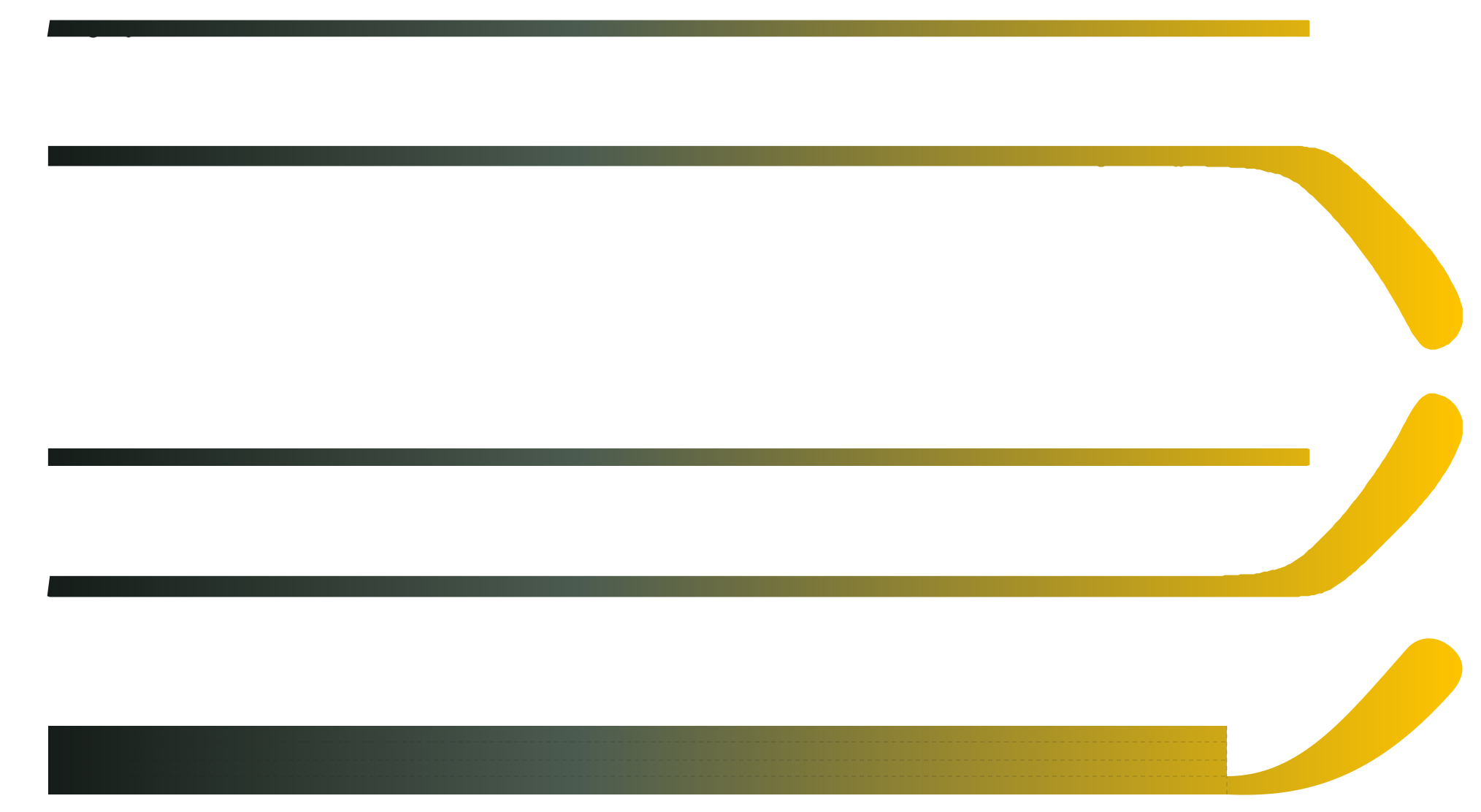
A curve code is a useful starting point, but a similar name or illustration is not a measured match. Ask for the relevant drawing or sample when the shape matters. The GWIND specification guide and Custom Studio can help organise the options; the physical specification still needs confirmation.
| Detail | What to put in the brief |
|---|---|
| Player and hand | Player level and left or right handedness |
| Length and flex | Your target values and how length was measured |
| Blade | GW curve preference, drawing or reference sample |
| Surface | Grip, finish, texture and carbon appearance |
Give the artwork its own brief.
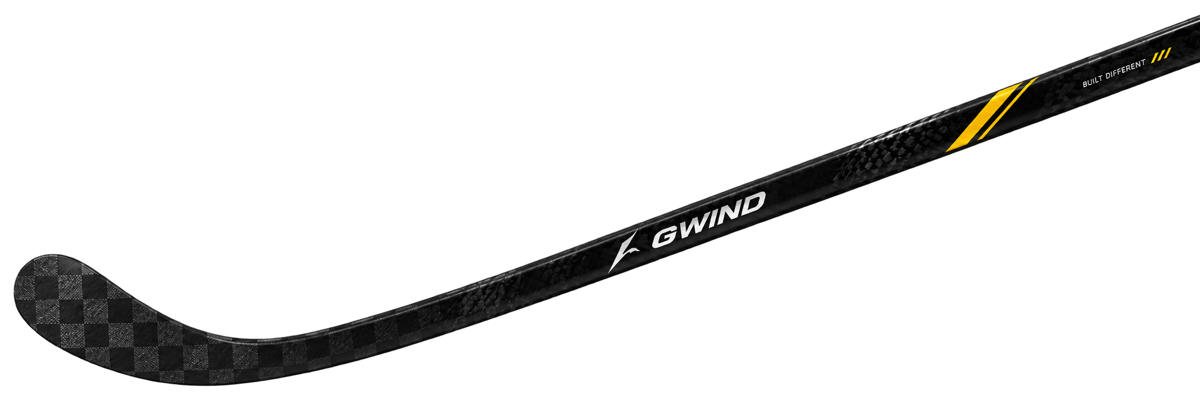
Bring the team logo, brand name, player text and colour references together. Decide which elements belong on the shaft and which belong on the blade. Keep the original artwork files alongside any exported preview.
A screen preview helps you discuss layout. It does not confirm print colour, factory dimensions or the final wrap. Before production, ask for a proof that shows the artwork on the correct template.
Keep team variations together.
A shared design can still include individual names, numbers, handedness and specifications. Put those variations in one player list rather than scattering them across separate messages.
Give each line a clear identifier and quantity. Check spelling, number formatting and any combinations that should remain the same. The RFQ player-list template provides a starting point.
Review a sample before production.
Treat the sample as a chance to check the agreed specification and artwork together. Review dimensions, finish, logo placement and the details that matter to your project. Keep a written record of what was approved and what still needs to change.
Confirm sample availability, costs and timing for your project. The website preview is a discussion tool; it is not a substitute for a physical sample or a production agreement.
A useful brief makes the next conversation clearer. It does not need to answer every question before that conversation starts.
Bring the practical details into the RFQ.
Add the estimated quantity, delivery country or region and target date. Attach the design files, player list and any reference images that help explain the request.
Review the specification, artwork and delivery information together before sharing the brief. Price, minimum quantity, sample arrangements and production timing need to be confirmed for the actual project.